A great AI image is not luck. It is a composition you directed and a palette you chose on purpose.
A great AI image is not luck. It is a composition you directed and a palette you chose on purpose.
Most people type a prompt, hit generate, and pray. Today I want to show you the two levers that turn praying into directing: ControlNet for composition, and color theory for mood. Once these click, you stop accepting what the model gives you and start telling it what to do.
Hey friends. Let me describe a feeling you probably know well. You have a clear picture in your head: a figure standing at the left of the frame, looking off toward a window, warm afternoon light, a calm and slightly lonely mood. You write the best prompt you can. You hit generate. And the model hands you a perfectly nice image of a figure dead center, staring straight at you, lit like a product photo. So you reroll. And reroll. And twenty images later you have something close but never the thing you actually saw.
The problem is not your prompt writing. The problem is that text alone is a blunt instrument for two specific jobs: where things go, and what mood the color carries. Text is great at naming subjects and objects. It is genuinely bad at saying exactly where they sit in the frame and how they are posed. And color, left to chance, comes out generic. The good news is there are two precise tools for exactly these two jobs, and once you learn them you will feel like you have hands on the wheel for the first time. Let us walk through both.
ControlNet is the single biggest upgrade you can make to your control over composition, and it is simpler than it sounds. The core idea is this: alongside your text prompt, you feed the model a second input, a structural guide image, and the model is told to respect the structure of that guide while painting your prompt's style on top of it. The text says what it looks like. The guide says where everything goes. They work together.
There are a few flavors of guide, and each one captures a different kind of structure. You do not need all of them at once, but it helps to know what each one is for.
| Control type | What it captures | Reach for it when |
|---|---|---|
| OpenPose | A stick-figure pose skeleton, the position of limbs, head, and body | You need a figure in an exact pose the prompt keeps missing |
| Depth map | What is near and what is far, the three dimensional layout of the scene | You want to lock the room or environment geometry |
| Canny edge | An outline tracing of the major contours and shapes in your guide | You have a rough sketch or layout and want to keep its lines |
Here is the simplest workflow to feel the power right away. Sketch a rough composition, even a crude one with boxes and stick figures will do. Run that sketch through edge detection, the Canny option, which converts it into a clean line drawing of your layout. Then generate with your full style prompt while feeding that edge map as the ControlNet guide. The output will match your composition, your subject on the left, your window on the right, while the style, lighting, and detail come from the words. You drew the bones. The model added the skin.
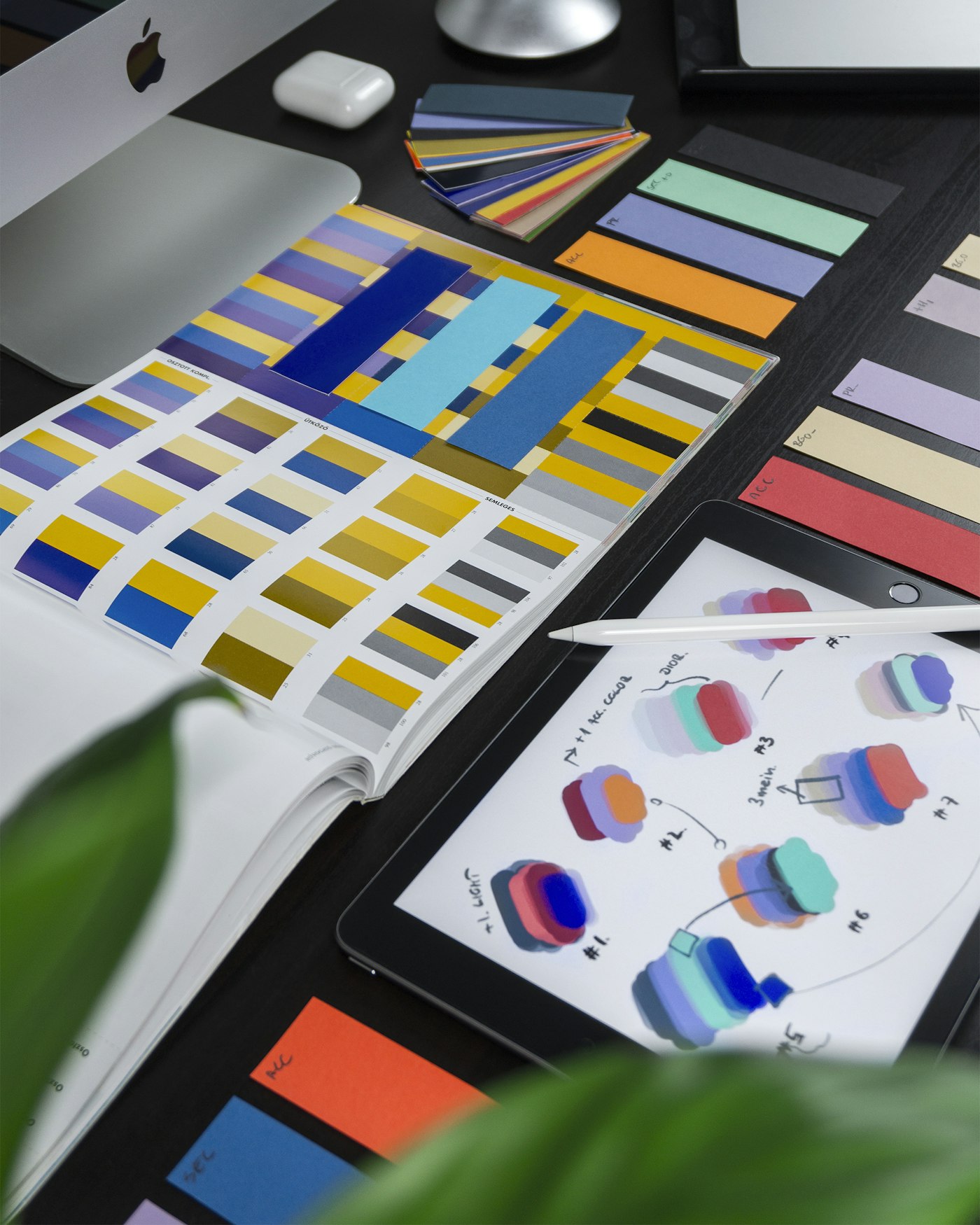
Color is not decoration. It is the fastest way to tell the model how the picture should feel.
Single control is good. Stacking two controls is where it gets genuinely reliable, and this is the tip most beginners never hear. Each control type holds one kind of structure, so combining two complementary ones covers each other's weak spots.
My two favorite combinations, both tested over and over:
When you add the second control, you are not fighting the first one. You are giving the model two true things to agree on, and agreement is what produces a stable, intentional image instead of a lucky one.
Now for the second half, and this one needs no extra tools at all, just better words. The models understand color theory remarkably well. When you name a real color relationship, you get a predictable, repeatable result, because these are concepts the model has seen described thousands of times. This is one of the most underused levers in all of prompting.
Here are the terms that actually work, and what each one does to your image:
| Prompt term | What you get |
|---|---|
| analogous colors | Neighboring hues that sit beside each other, calm and harmonious |
| complementary palette | Opposite hues that pop against each other, high contrast and energy |
| triadic scheme | Three balanced colors, lively and playful without chaos |
| warm tones / cool tones | Reds and oranges for comfort and intimacy, blues and greens for calm and distance |
| desaturated / muted | Pulled-back, sophisticated, moody, less candy-bright |
| saturated / pastel | Loud and intense, or soft and gentle and dreamy |
The reason these work is that they carry mood, and mood is the whole game. The model does not feel anything, so you have to teach it the emotion through the color words. A "complementary palette" prompt does not just change the hues, it tells the model the picture should feel charged and dynamic. A "muted, desaturated, cool tones" prompt tells it the picture should feel quiet and a little melancholy. You are not describing colors for their own sake. You are describing how you want the viewer to feel, in language the model can act on.
The single most useful color tip I can give you: use descriptive color names, not hex codes. "Deep navy blue with gold accents" beats a raw hex value every single time, even though the hex is more precise on paper. The reason is that a name like "deep navy with gold accents" carries mood and style context the model can use, it pulls up everything it has learned about that combination, elegant, nighttime, a little luxurious. A hex code is just a number with no story attached, so the model has far less to work with. Talk to the model in moods and named colors, not in code.
Here is how I run a session when I want a specific image rather than a happy accident. Both levers, working together.
One more tool that pairs beautifully with everything above, especially if you make the same character more than once. The trick I rely on is a Character Sheet, which is just a rigid, fixed block of tokens that fully describe your character, and you paste that exact same block into every single prompt without changing a word. Same hair description, same eye color, same outfit phrasing, same defining features, every time.
It feels almost too simple, but consistency in equals consistency out. When the descriptive tokens never drift, the face and the look stop drifting too. Combine that locked character block with an OpenPose guide for the body, and you can put the same recognizable character into completely different poses and scenes while keeping them on model. That is the foundation of telling a story across many images instead of producing a pile of strangers who happen to share a vibe.
Here is the shift I want for you. When you only have text, you are a gambler, hoping the model rolls your number. When you add ControlNet, you become the one deciding where everything lives in the frame. When you add color theory, you become the one deciding how it all feels. Put those together with a locked character sheet and you are no longer at the mercy of the dice. You are directing.
You do not have to master all of this in one afternoon. Pick one lever this week. Maybe just try a single Canny pass on a rough sketch and watch the model finally respect your layout. Or maybe just add "muted, cool tones, analogous palette" to your next prompt and feel the whole mood shift. Each lever is a small win on its own, and together they stack into total control. If you want to see these same directing instincts applied to one of today's newest models, our Nano Banana 2 prompt engineering guide walks through shaping Gemini Flash Image with the same intent. The picture in your head deserves to make it out into the world exactly the way you saw it. Now you have the tools to get it there. Go direct something, friends.