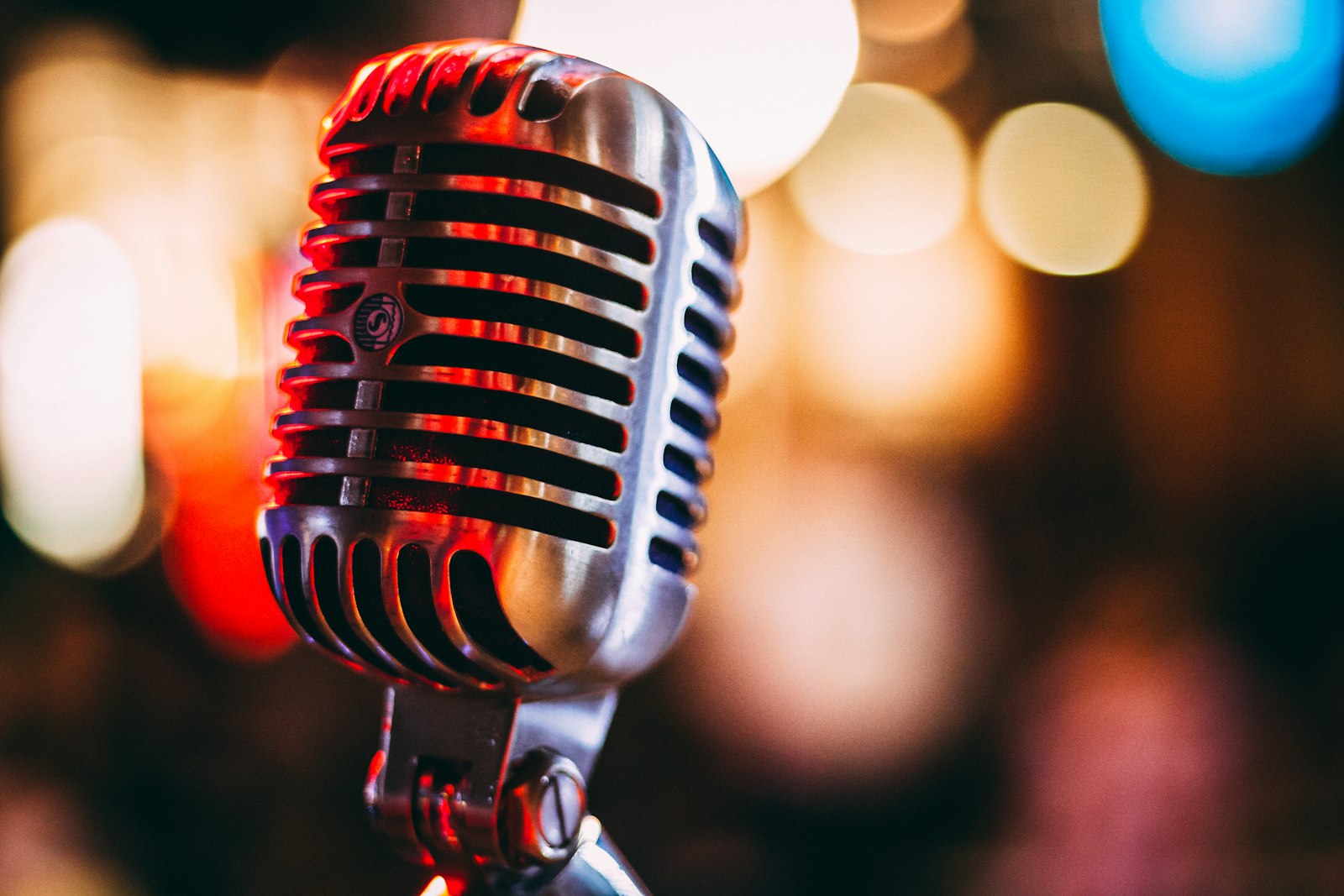
A picture sets the scene. The right few seconds of sound tell you how to feel about it.
A picture sets the scene. The right few seconds of sound tell you how to feel about it.
We spend so much time getting an image exactly right, and then we post it in total silence. But sound is half of mood, and now the same kind of AI you use for art can write you a soundtrack to go with it.
Hey friends. Almost everything we write about here lives on one side of your senses, the visual one. Prompts, lighting, composition, color, all of it is about what an image looks like. But think about the last time a piece of art truly moved you in a video or a reel. Odds are the sound was doing at least half the work. A lonely portrait with a soft piano underneath hits completely differently than the same image with a thumping synth, and neither one is the picture's fault. That is the soundtrack talking.
For years, making your own music meant either learning an instrument or hunting through stock libraries hoping something fit. That has quietly changed. The same wave of generative AI that gives us images now gives us audio, and you can describe a piece of music in plain words and have it composed for you in seconds. Today I want to walk you through pairing AI music with your AI art, how the tools work, how to write a music prompt that actually matches your image, and a simple workflow to give your whole gallery a voice. No production background required.
It can, and it works a lot like the image tools you already know. You type a description, the model generates the result. Instead of describing a character and a setting, you describe a genre, a mood, an instrument list, and a tempo, and the system returns an original track. The technology has matured fast. Stability AI, the same company behind a lot of open image tooling, released Stable Audio 2.5, a model built for sound production, and it is a useful window into where this whole space is going.
The headline numbers are genuinely wild for a creative on a budget. A track up to three minutes long generates in just a few seconds, and on top-end hardware the model can render in under two seconds. That speed means you can audition ten different moods for one image in the time it used to take to download a single stock clip. You describe, you listen, you adjust the words, you listen again. If that loop sounds familiar, it should, because it is exactly the rhythm of prompting for art.
If you have ever used inpainting on an image, to fix a hand or extend a background, you already understand the most interesting new trick in AI music. Stable Audio 2.5's standout feature is audio inpainting. You can upload your own audio, pick a point in it, and let the model generate the rest, extending or completing a clip you already have. So a five-second hum you recorded on your phone can become a full ambient bed, or a loop that ends too abruptly can be smoothly continued.
The model also builds real musical structure now, not just a wall of sound. It can compose multi-part pieces with an intro, a development, and an outro, and it responds to mood words like uplifting and genre cues like lush synthesizers. That structural awareness is what separates a soundtrack from background noise. A piece with a real beginning and end can rise and settle in time with a slideshow of your art, instead of just droning underneath it.
One practical note worth knowing: Stable Audio 2.5 was trained on a licensed dataset and the company describes it as commercially safe. That matters if you ever want to use your soundtrack on a monetized reel or a client project, where lifting a random song off the internet would get you a takedown. Always check the current terms of whatever tool you use, but a licensed-data model is a much friendlier starting point than mystery audio.
Here is where your art instincts transfer directly. A music prompt has the same anatomy as a good image prompt: you name the subject, the mood, and the details. For sound, that means naming the genre, the emotional tone, the key instruments, and the tempo. The clearer you are, the closer the result lands. Vague in, vague out, exactly like images.
The real skill is matching the music to what the picture is already saying. Look at your image and ask what it feels like, then translate that feeling into sound words. A few starting points:
| Your image feels... | Try a music prompt like |
|---|---|
| Soft, lonely, contemplative | slow ambient piano, gentle and melancholic, sparse, 60 bpm |
| Dreamy and ethereal | lush synthesizers, airy pads, reverb-heavy, uplifting, slow build |
| Bold, futuristic, neon | dark synthwave, driving bassline, retro 80s, 110 bpm |
| Warm and nostalgic | lo-fi hip hop, mellow keys, vinyl crackle, relaxed groove |
| Epic and cinematic | orchestral, swelling strings, big percussion, heroic, dramatic build |
Notice the pattern. Each prompt names a genre, a mood, an instrument or two, and often a tempo. You do not need to know music theory to do this. You just need to describe what you want to hear the same way you describe what you want to see, and let the model handle the part that used to require a studio.
You do not need a complicated setup to put sound and image together. Here is a beginner-friendly loop you can run today.
Adding sound to your art is one of the highest-impact, lowest-effort upgrades available to a creator right now. A gorgeous image scrolls past in a fraction of a second. The same image with a soundtrack stops the thumb, holds attention, and makes people feel something before they have consciously decided to look. On every platform that favors short video, a still picture with music will simply travel further than a silent one, and you no longer need a composer or a license fee to make that happen.
More than the reach, though, it is just plain fun. There is a real joy in finishing a piece, hearing it for the first time, and realizing you made both halves yourself. The art tools taught us all to describe a picture and watch it appear. The audio tools let you do the exact same magic for sound. Pairing them is the natural next step, and honestly, once you hear your own work with its own soundtrack, going back to silence feels like watching a film with the volume off.
So this week, pick one image you are proud of, write it a few seconds of music, and see what happens. You already have every instinct you need. You have been prompting moods into existence all along. Now you just get to hear them too. Have fun out there, friends.