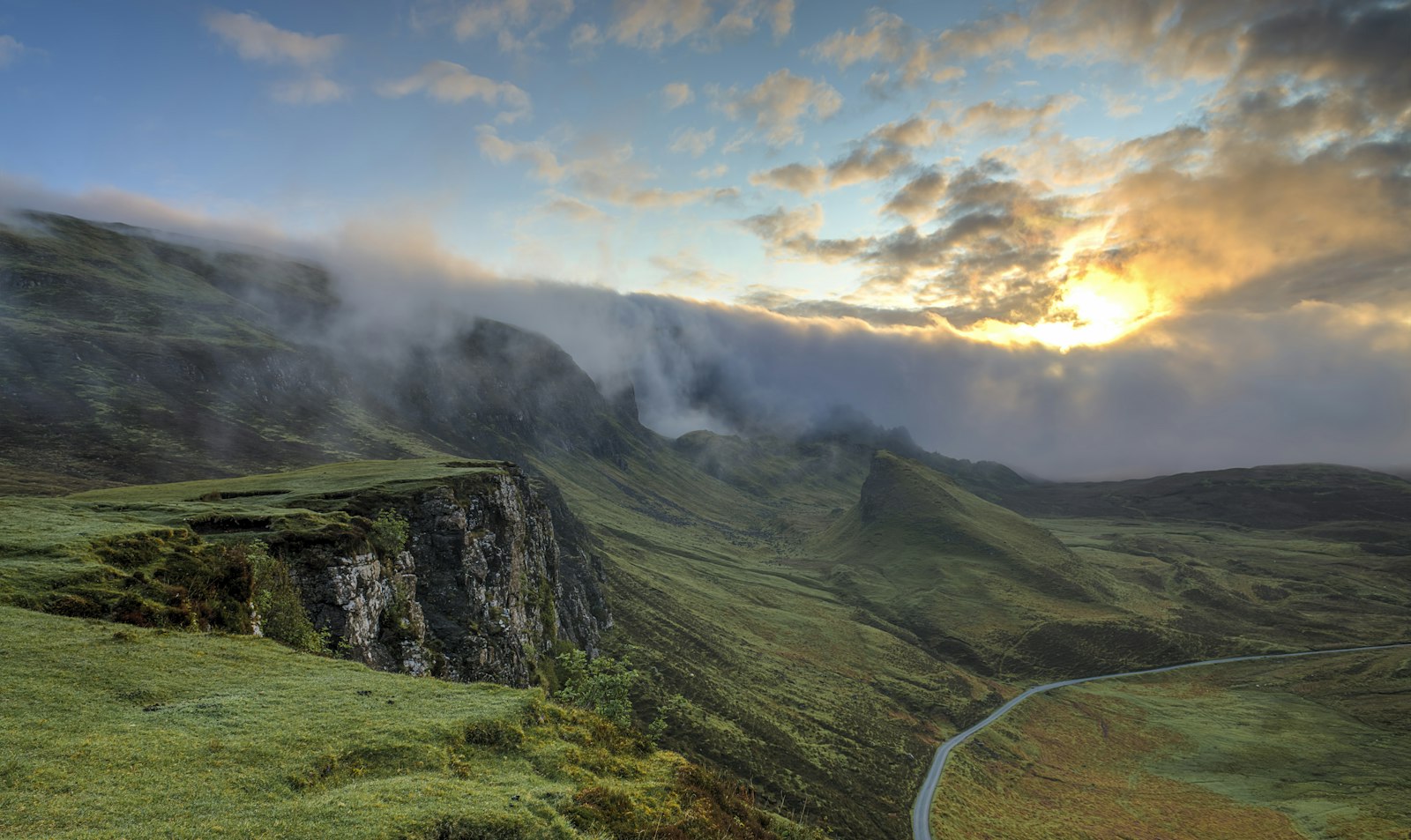
A believable place, not a backdrop. The setting is half of what makes an image feel real.
A believable place, not a backdrop. The setting is half of what makes an image feel real.
You spend an hour perfecting the character and three seconds on the world behind her. Then you wonder why the image still looks fake. The background is half the story, and it is the half most people leave to chance.
Hey friends. Let's talk about the part of the frame everyone forgets: the background. It is so easy to pour all your attention into the face, the outfit, and the pose, and then let the model paste your gorgeous character in front of whatever fuzzy soup it feels like inventing. The result is a subject that looks amazing floating in a world that makes no sense, and your eye feels the mismatch even when you cannot name it.
A background is not decoration. It is where your character lives, and a believable place does half the work of selling the whole image. Today I want to walk you through how I think about environments, from choosing the setting on purpose to matching the light to building real depth, plus how to rescue a picture when the backdrop comes out wrong.
When you do not describe the environment, the model fills that space with the most generic, average thing it can imagine, which is usually a blurry blob of vaguely warm bokeh or a smear of buildings that do not quite connect. Worse, backgrounds are where the strangest errors hide: doorways that lead nowhere, staircases that fold into themselves, and railings that bend like taffy. That happens because the model is spending most of its attention on your subject and treating everything behind them as an afterthought, exactly like you did in the prompt.
The fix is a mindset shift. Stop thinking of the background as the leftover space around the character and start thinking of it as a location you are choosing. A real photographer scouts a spot before the shoot. You get to do the same thing with a sentence.
Before you generate, decide three quick things about the world: where it is, when it is, and what it says about your character. A coffee shop at rainy dusk tells a completely different story than a sunlit rooftop at noon, and both beat "blurry background" by a mile. Name the place specifically. "A quiet used bookstore with warm lamplight and tall wooden shelves" gives the model a concrete room to build, while "indoor background" gives it permission to invent garbage.
Specificity is your whole advantage here. Think like a location scout and give real nouns: cobblestone alley, neon-lit night market, sunlit meadow with tall grass, minimalist studio with a seamless paper backdrop, cozy apartment with plants on the windowsill. Every concrete detail you add is one less blank the model has to guess at, and guessing is where the melted staircases come from.
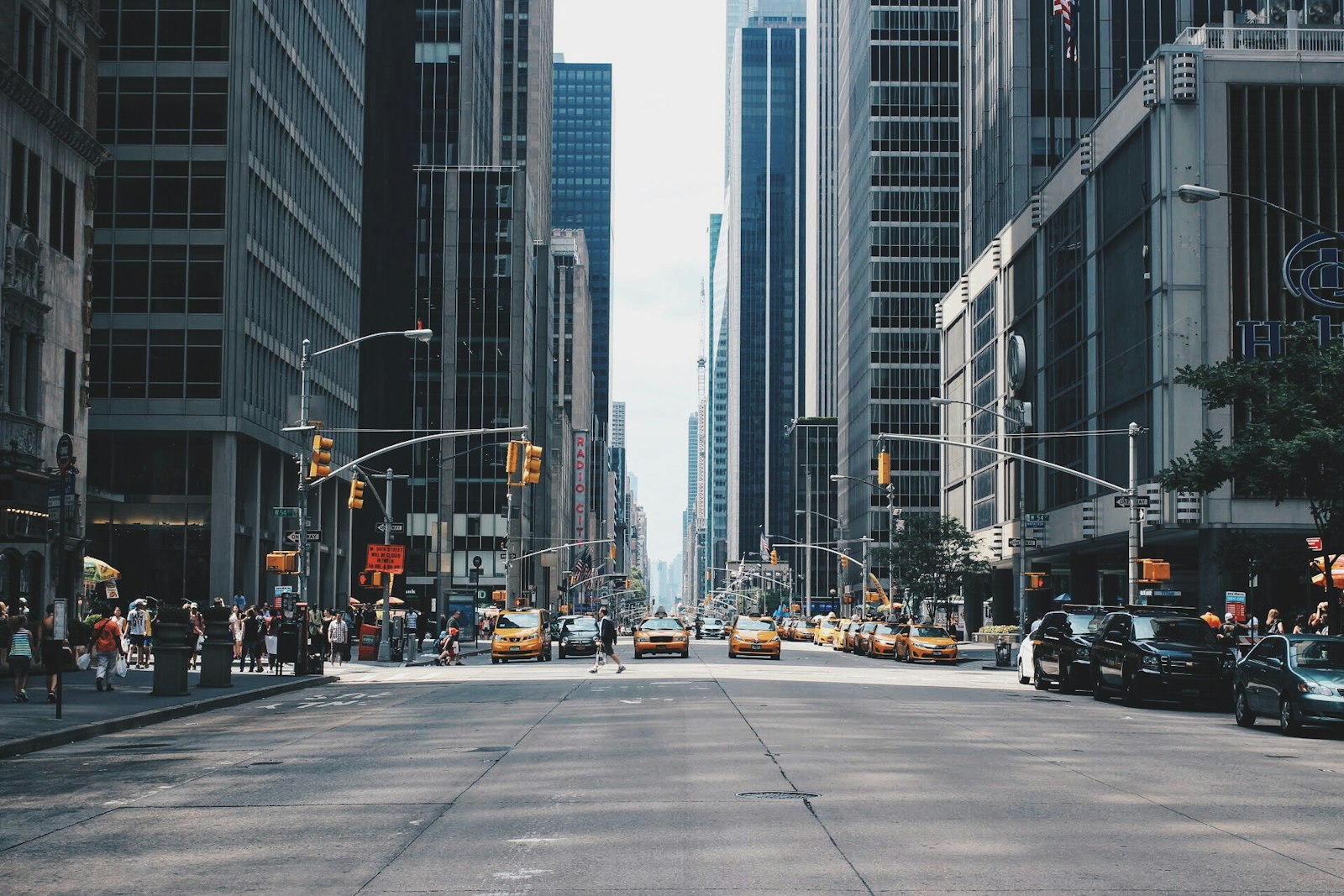
This is the single biggest tell that separates a believable environment from a cut-and-paste look. If your character is lit by warm late-afternoon sun from the left, but the background is a cool, flat, overcast street, the brain instantly reads them as two images stitched together, even if it cannot say why. Real places share one light source with the people in them.
So decide the lighting for the whole scene, not just the face. Carry the same words across both: if the subject is in "warm golden hour light," make sure the background is too, with "long shadows and warm sunlight on the buildings behind her." When the light on the subject and the light in the world agree, the character finally looks like she is standing somewhere instead of pasted onto somewhere. If lighting is where you want to go deeper, our lighting and mood guide breaks down the recipes to borrow.
More background detail is not automatically better. A wildly busy environment fights your subject for attention and multiplies the chances of a weird artifact. The pros solve this two ways, and both transfer straight to prompts.
Flat backgrounds feel like wallpaper. Real spaces have a foreground, a middle ground, and a distance, and naming those layers gives your image room to breathe. Try adding a near element, a subject plane, and a far element in one breath: "blurred potted plants in the foreground, the woman seated at a cafe table in the middle, a soft rainy street receding behind her." Now the eye travels through the scene instead of bouncing off a wall.
Atmosphere helps too. A little haze, fog, or distance glow makes far-off elements fade slightly, which reads instantly as real depth. If you want to push that idea, our depth and atmosphere guide goes deep on it, and the broader composition and framing guide covers where to place the subject inside all that space.
| Vague background | Scouted, lit, layered |
|---|---|
| a woman with a city background | a woman on a rainy neon-lit night market street, warm signage glow behind her, wet reflections, shallow depth of field, layered stalls receding into haze |
| a girl indoors | a girl in a cozy used bookstore, tall warm-lit wooden shelves, a soft window behind her, foreground stack of books slightly blurred |
| a character outside in nature | a character in a sunlit meadow at golden hour, tall grass in the foreground, distant tree line softened by haze, warm side light matching her face |
Same subjects, completely different worlds. The right column names the place, matches the light, and stacks a little depth, and suddenly the character is somewhere real.
Sometimes the character is perfect and only the world behind them is broken. Do not start over. Mask the background and regenerate just that region with your scouted description, keeping the subject locked, and you can rebuild the setting around a figure you already love. You can also outpaint to extend a cramped scene outward and give your character more room to exist. This is the same repair mindset that saves flawed hands and faces, applied to the whole environment.
The one-minute background habit: before you generate, finish this sentence in your prompt: "she is in ____, lit by ____, with ____ in front and ____ behind." Even rough answers like "a rainy street, warm neon light, blurred railing in front, glowing signs behind" beat leaving the world blank, because blank always becomes soup.
Your character deserves a place to live. Once you start scouting the setting on purpose, matching the light across the whole frame, controlling the clutter, and stacking a little depth, your images stop looking like a subject floating in a void and start looking like a moment that actually happened somewhere. The character gets the attention, but the background is what makes people believe it. Give the world a sentence or two of real thought and your art will feel twice as finished for it.
If you want to keep leveling up, our complete guide to AI image generators covers which tools handle detailed scenes best, and you can see settings and moods in practice across our galleries. Now go build somewhere worth standing.
Happy generating, and send me the most beautiful place you build!