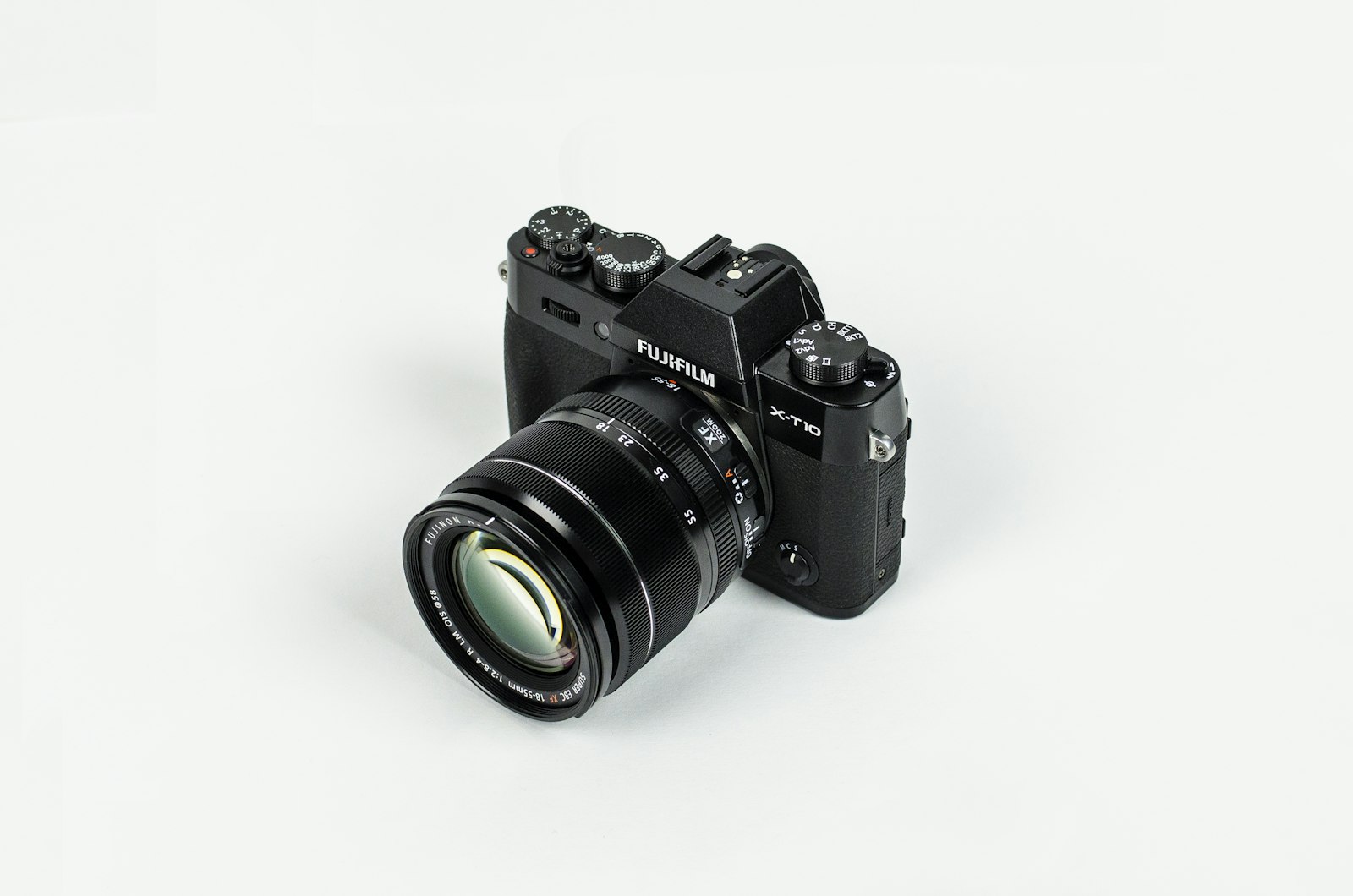
Your model already knows how a lens behaves. You just have to ask in camera words.
Your model already knows how a lens behaves. You just have to ask in camera words.
You can describe a person perfectly and still get a flat, snapshot-y image, because you told the model who to draw but never told it how to see them. Photographers solve that with four dials: focal length, aperture, shot type, and angle. The wonderful secret is that your AI model was trained on millions of captioned photographs, so it already understands those words. Once you start writing prompts in camera language, you stop hoping for a good frame and start directing one.
Hey friends. Here is a frustration I hear constantly: "I described exactly what I wanted, the outfit, the hair, the setting, the expression, and the image is technically correct but it looks like a phone snapshot instead of the cinematic portrait in my head." If that is you, the missing ingredient is almost never more description of the subject. It is description of the camera. You told the model what to draw, but you never told it where to stand, what lens to hold, or how much of the scene to keep in focus.
Real photographers do not just point at a subject and shoot. They choose a lens, set an aperture, pick a shot type, and decide on an angle, and those four choices do more to define the feeling of an image than almost anything the subject is doing. The great news for us is that AI models learned from photographs that were captioned with exactly this vocabulary. So when you write "85mm portrait, f/1.8, shallow depth of field," the model knows what that looks like, because it saw a million of them. Let me hand you the whole camera, dial by dial.
Focal length is the single most underused word in AI portrait prompts, and it is the one that quietly decides whether a face looks beautiful or subtly wrong. In plain terms, focal length is how "zoomed in" the lens is, and it changes the way facial features relate to each other. Wide lenses exaggerate whatever is closest to the camera. Longer lenses compress and flatten, which is why they are universally beloved for portraits.
Here is the cheat sheet that lives in every photographer's head. A short focal length like 24mm or 35mm is wide: great for environments, full scenes, and a sense of being inside the moment, but it stretches a face if you get close, ballooning the nose and shrinking the ears. A 50mm sits near how the human eye sees, natural and honest. An 85mm is the classic portrait lens, the one that renders a flattering, slightly compressed face with gorgeous separation from the background. Go longer still, to 135mm or 200mm, and you get even more compression and a creamier background, the look of a magazine cover or a sideline sports shot.
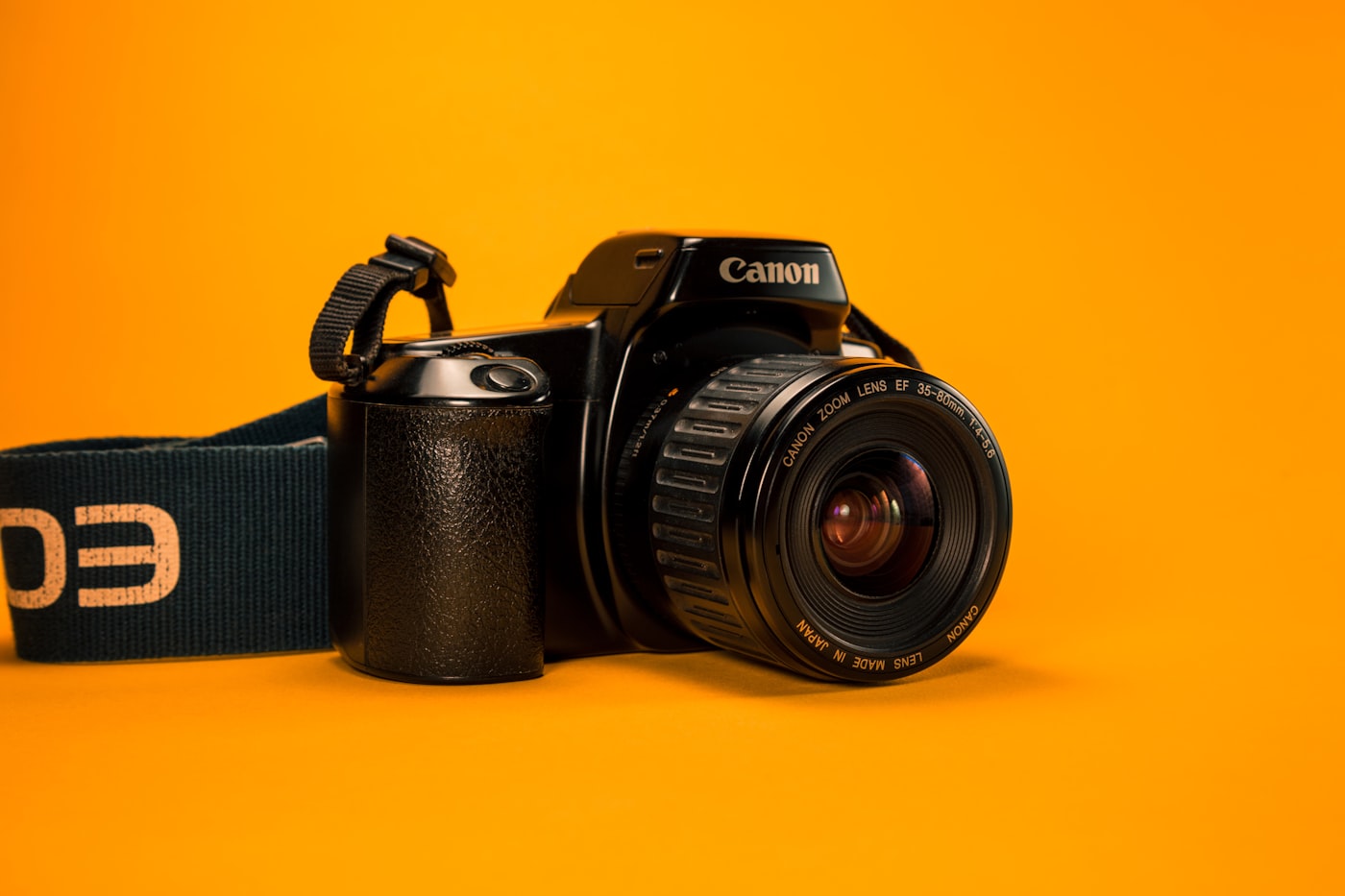
An 85mm portrait look: flattering compression and a soft, separated background. Name the lens and the model leans into it.
So the practical move is simple. For a flattering portrait, add "85mm portrait lens" to your prompt and watch faces improve immediately. For a sweeping environmental shot where your subject is part of a bigger scene, reach for "shot on 35mm." For that compressed, glossy, telephoto feel, try "135mm telephoto." You are not adding clutter, you are handing the model the exact optical character you want, and it responds because it learned what each number looks like.
If focal length is how the face is shaped, aperture is how much of the world stays sharp. Aperture is written as an f-number, and it controls depth of field, the slice of the scene that is in focus. This is the dial behind that dreamy, blurred-background look everyone wants, the effect photographers call bokeh.
The counterintuitive part is that small f-numbers mean big blur. A wide-open aperture like f/1.4 or f/1.8 throws everything but your subject into soft, glowing out-of-focus haze, which is why it is the secret behind professional portraits where the person pops off a buttery background. Stop down to a large number like f/8 or f/11 and almost everything snaps into focus, front to back, which is what you want for a landscape or a detailed group scene where nothing should be lost to blur.
The one-line rule that fixes flat portraits: if your subject is not separating from the background, add "f/1.8, shallow depth of field" to your prompt. If your scene needs everything crisp from foreground to horizon, add "f/11, deep depth of field, everything in focus" instead. Most disappointing AI portraits are simply missing the shallow-depth instruction, so the model kept the whole frame equally sharp and the image reads as flat and snapshotty. One phrase is the difference between a snapshot and a portrait.
Shot type is the framing vocabulary that film and photography crews use to say, precisely, how much of the subject is in the frame. Models understand these terms cleanly, and using them ends the lottery of "will it be a close-up or a full body?" that plagues vague prompts.
The ladder runs from tightest to widest. An "extreme close-up" fills the frame with a detail, an eye, lips, hands. A "close-up" is a face and a little shoulder, intimate and emotional. A "medium shot" frames roughly the waist up, the workhorse of natural portraiture. A "cowboy shot" cuts at mid-thigh, a "full body shot" shows the entire person head to toe, and a "wide shot" or "establishing shot" places a small figure inside a large environment to set a scene. Each one carries a different feeling: closer is more emotional and intimate, wider is more contextual and cinematic.
| You want | Put this in your prompt |
|---|---|
| Flattering, magazine-style face | 85mm portrait lens, f/1.8, close-up, shallow depth of field |
| Subject inside a rich environment | 35mm, wide shot, f/8, deep depth of field |
| Dreamy blurred background | f/1.4, bokeh, shallow depth of field |
| Cinematic full-length pose | full body shot, 50mm, slight low angle |
| Intense, emotional detail | extreme close-up, 100mm macro, soft focus background |
The last dial is where the camera sits relative to your subject, and it changes the psychology of the image more than people expect. Shoot from slightly below, a low angle, and your subject reads as powerful, towering, heroic. Shoot from above, a high angle, and they read as smaller, more vulnerable, more observed. Keep it level at eye line and the image feels honest and direct, like the viewer is standing right there in conversation.
These are not exotic terms. "Low angle shot," "high angle shot," "eye level," "overhead shot," and "dutch angle" for a tilted, uneasy frame are all words the model knows. Drop one in and you are no longer leaving the emotional read of your image to chance. A heroic character wants a low angle. A tender, intimate moment often wants eye level or a gentle high angle. The angle is a feeling, and naming it is how you transmit that feeling to the model.
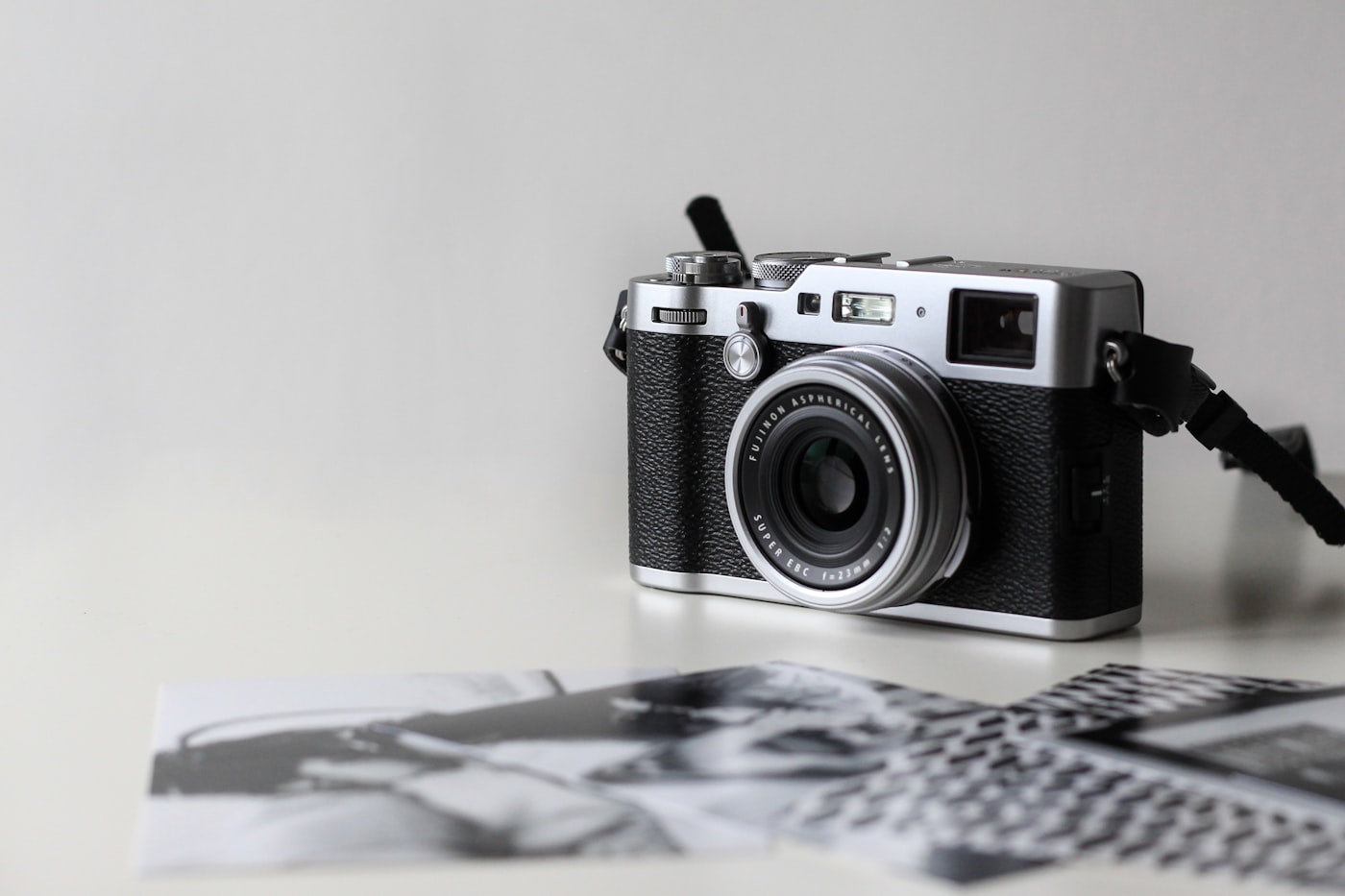
A low angle makes a subject feel powerful and larger than life. The same person at a high angle would feel completely different.
The magic happens when you stack the dials into one coherent camera instruction, the same way a real photographer makes all four choices at once before pressing the shutter. You do not bolt these onto a prompt at random. You decide what the image should feel like, then choose the lens, aperture, framing, and angle that deliver that feeling together.
Say you want a confident, cinematic portrait. You might write: "a woman in a tailored coat, 85mm portrait lens, f/1.8, close-up, shallow depth of field, slight low angle, soft window light." Read that back and notice that every camera word is pulling in the same direction, the long lens flatters, the wide aperture blurs the background, the close-up gets intimate, and the low angle adds confidence. That is a directed image, not a hoped-for one. Compare it to "a woman in a coat," which leaves all four decisions to the dice.
If you want to go deeper on the light that fills that frame, our guide to lighting and mood pairs perfectly with this one, since lens and light are the two halves of the same photographic sentence. And once your camera instruction is dialed in, deciding where the subject sits in the frame is a composition question, which our walkthrough of composition and framing covers in friendly detail. Camera, light, and composition are the three levers behind every image that looks intentional instead of accidental.
Here is the small shift I want to leave you with. From now on, after you describe your subject, pause and ask four quick questions. What lens, what aperture, what shot type, what angle? You do not need all four every time, but even one or two will transform an image. Adding "85mm, f/1.8" alone will rescue a flat portrait. Adding "wide shot, 35mm, deep depth of field" alone will turn a cramped subject into a real scene.
You already know how to describe a beautiful person and a beautiful setting. What you have been missing is the camera that frames them, and the camera lives in four simple words you now own. So on your very next prompt, do not just tell the model who to draw. Tell it where to stand, what lens to hold, how much to keep in focus, and how high to aim. Speak camera, and you will be amazed how differently your AI starts to see.