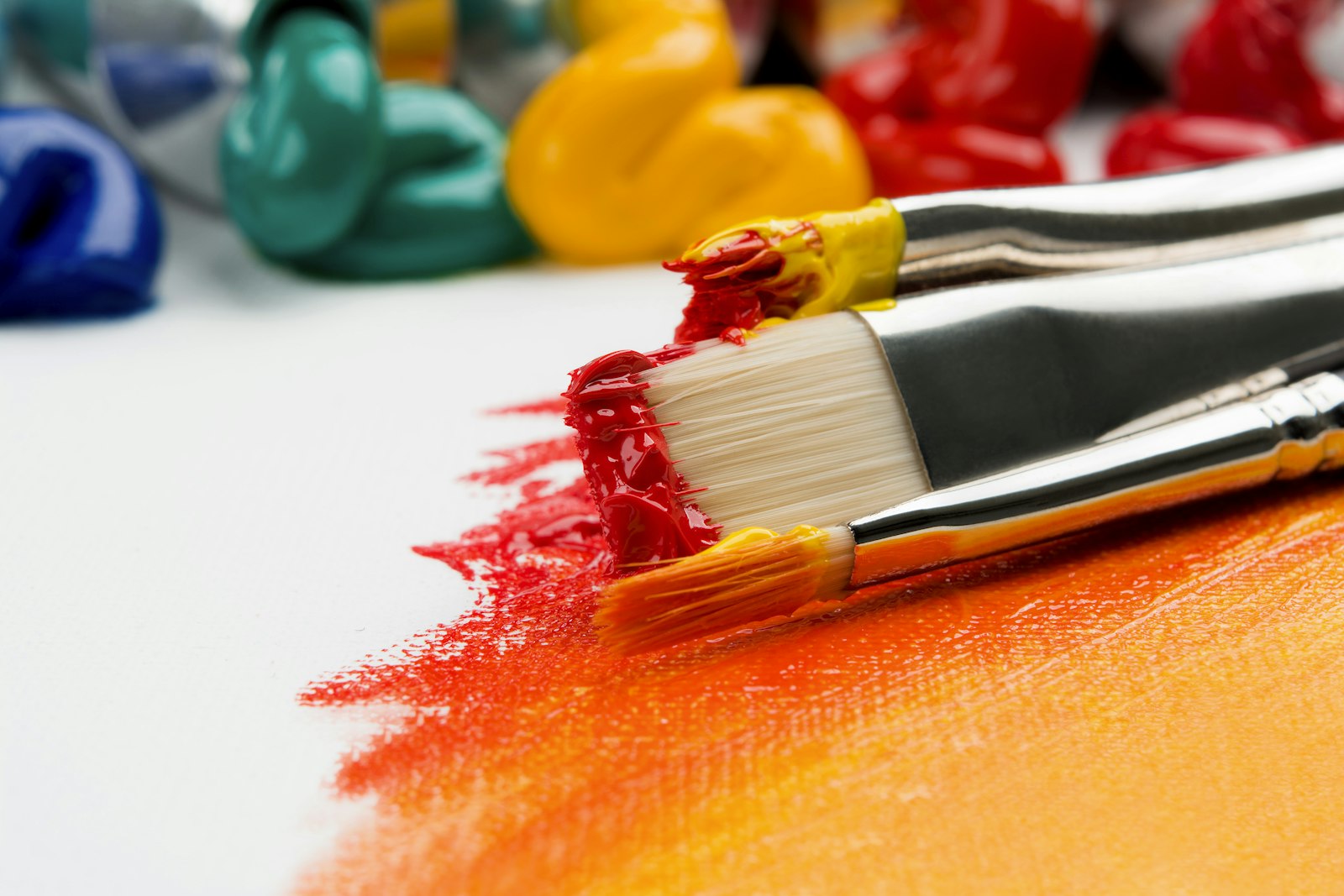
Change the palette and you change the feeling, even if nothing else in the image moves.
Change the palette and you change the feeling, even if nothing else in the image moves.
You can light and frame a scene perfectly and still feel nothing, because the part that carries the emotion is the color, and most prompts never mention it.
Hey friends. A little while back we talked about lighting and framing, and a bunch of you came back with images that were genuinely better lit but still felt a little off. Nine times out of ten, the missing piece was color. Lighting tells the eye where to go. Color tells the heart how to feel about it. They are two different jobs, and a lot of us only ever prompt for one of them.
So today is all about palette. Not color theory the way a textbook bores you with it, but the handful of practical color ideas that change the emotion of an AI image, plus the exact words to put in a prompt so the model actually does what you mean. None of this is about a new model or a new tool. It is about deciding, on purpose, what your image should feel like.
Think about your favorite films for a second. A cozy romance tends to live in warm ambers and soft golds. A tense thriller drains toward cold blues and sickly greens. A dreamy fantasy floats in lavender and rose. None of that is an accident, and none of it is about the lighting setup. It is the color palette, the deliberate choice of which hues dominate the frame, and it is doing the emotional heavy lifting before you have consciously noticed it.
AI models default to a muddy, do-everything palette when you say nothing, the same way they default to flat light. Left unguided, you get a little of every color and therefore a strong feeling of none. The fix is to commit. Pick a direction for the color the way you pick a direction for the light, and the whole image snaps into a mood.
Complementary palettes pair colors from opposite sides of the color wheel, like teal and orange, or purple and yellow. The opposition creates contrast and energy, which is exactly why teal-and-orange became the default look of modern blockbusters. It makes skin tones pop against backgrounds and gives an image a punchy, cinematic snap. Prompt it directly with "complementary color palette, teal and orange," or "purple and gold color scheme." Use it when you want the image to feel bold and alive.
Analogous palettes use colors that sit next to each other on the wheel, like blue, teal, and green, or red, orange, and yellow. Because the hues are neighbors, nothing fights, and the result feels harmonious and calm. This is your go-to for serene, dreamy, or romantic images. Try "analogous color palette of blues and purples," or "warm analogous tones, red orange and amber." When an image feels chaotic, collapsing it into an analogous palette often rescues it instantly.
A monochrome palette builds the whole image from shades and tints of a single hue, like an all-blue scene or a sepia-toned one. Stripping out competing colors makes an image feel intentional, elegant, and emotionally focused, because nothing distracts from the subject and the light. Prompt "monochromatic blue palette," "sepia tone," or "muted single-color grade." It is the easiest way to make something look like a deliberate piece of art rather than a snapshot.
Before you even pick a scheme, you can flip the entire feeling of an image with one decision: warm or cool. Warm palettes, the ambers, golds, and reds, read as cozy, nostalgic, intimate, and safe. Cool palettes, the blues, teals, and slate grays, read as calm, distant, lonely, or tense depending on how far you push them. The same portrait graded warm feels like a memory and graded cool feels like a held breath.
| Palette-blind prompt | Same scene, with a palette decision |
|---|---|
| portrait of a woman by a window | portrait of a woman by a window, warm amber and gold palette, cozy nostalgic mood |
| a futuristic city street | a futuristic city street, complementary teal and orange palette, high color contrast |
| a quiet forest scene | a quiet forest scene, analogous blue-green palette, calm and harmonious |
| a dramatic studio portrait | a dramatic studio portrait, monochromatic deep-blue grade, elegant and focused |
Same subjects, same model, same lighting words you could add on top. The only thing that changed is that the second column made a color decision instead of leaving the model to average everything into mud.
The thirty-second palette habit: before you generate, answer two questions in your prompt. First, "warm or cool?" Second, "one dominant color family, or a complementary pair?" Even rough answers like "cool, mostly blue" beat saying nothing, because saying nothing always lands on the muddy default that feels like nothing.
Color is the cheapest, most powerful upgrade available to you, and it costs zero compute and no new tools. Decide the temperature, decide the scheme, and name them in the prompt, and you will pull more emotion out of the model you already have than any amount of model-hopping will give you. Light shows the eye where to look. Color tells it how to feel. Once you are steering both on purpose, your work stops looking generated and starts looking authored.
If you want the lighting half of this equation, our lighting and composition guide pairs perfectly with this one, and the guide to AI image generators covers which tools handle color grading best. You can see palettes at work across our galleries too.
Happy generating, and send me your best teal-and-orange portrait!