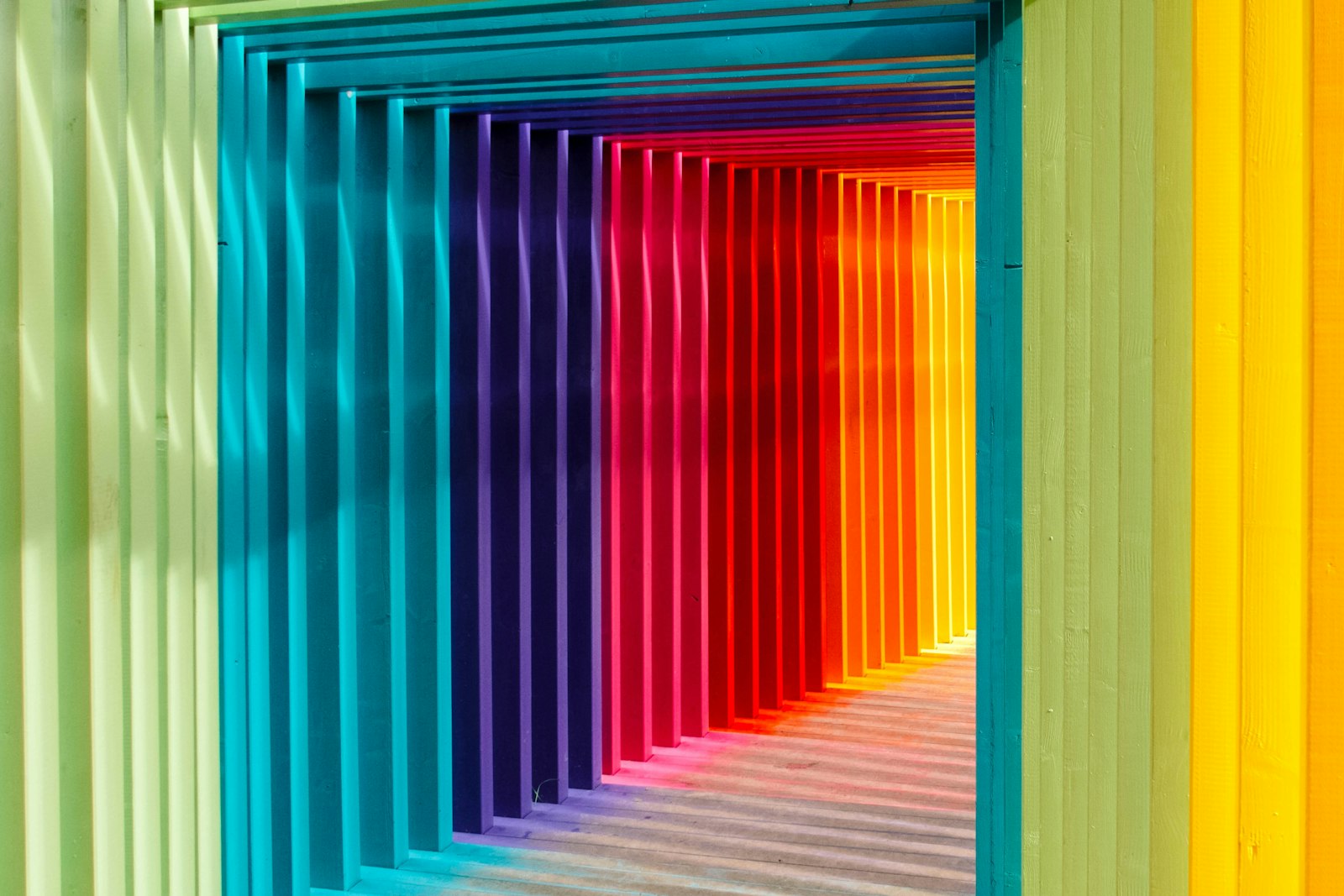
Great light is the difference between a snapshot and an image. The same is true in AI art.
Great light is the difference between a snapshot and an image. The same is true in AI art.
Your generations are not flat because of the model. They are flat because nobody told it how to light the scene or where to put the subject.
Hey friends. Let's take a break from chasing the newest model for a second, because honestly, the biggest upgrade most people can make to their AI art has nothing to do with which generator they use. It is light and framing. You can be on the fanciest model in the world and still produce something that looks like a flat, evenly lit ID photo, because the prompt never said a single word about how the scene should be lit or how it should be composed.
Photographers and painters have spent centuries figuring this out, and the good news is that the vocabulary transfers almost perfectly to prompts. Today I want to give you the handful of lighting and composition ideas that changed my own work the most, with the actual words to drop into a prompt so you can test them tonight.
Here is the core problem. When you do not specify lighting, the model tends to default to soft, flat, ambient light, the visual equivalent of a fluorescent office ceiling. Everything is lit evenly, nothing has a clear shadow side, and the image reads as informational rather than emotional. It tells you what the subject is, but it does not make you feel anything. That flatness is almost never the model's limitation. It is an absence in the prompt, and absences get filled with the most generic option available.
The fix is to treat light as a subject in its own right. Before you describe the person or the place, decide where the light is coming from, how hard or soft it is, and what color it is. Those three decisions, direction, quality, and color, are most of what separates a snapshot from an image you want to look at twice.
Rim lighting places the light source behind and slightly to the side of the subject, so it traces a bright outline along the edges of hair and shoulders and separates the subject from the background. It is the single fastest way to add depth, because it builds a literal glowing line between foreground and background. Try phrases like "rim lighting," "backlit," or "glowing edge light from behind." For anything with hair, this one is almost cheating.
Golden hour is the warm, low, directional light shortly after sunrise or before sunset, and it flatters almost everything. It gives you long soft shadows, warm skin tones, and a gentle glow that hard noon light never will. Prompt it directly with "golden hour lighting," "warm low sun," or "late afternoon light through a window." If your image feels cold or clinical, this is often the warmest, easiest rescue.
When you want mood and edge rather than softness, go the other direction. Hard light from a single source creates strong, defined shadows and high contrast, which reads as cinematic and serious. Words like "dramatic side lighting," "high contrast," "single key light," or "chiaroscuro" push the model toward bold shadow shapes. This is how you make a portrait feel like a film still instead of a passport photo.
Lighting decides how a scene feels. Composition decides where the eye goes, and a perfectly lit subject dropped dead-center with no thought to framing still looks amateur. A few classic rules carry almost all the weight here.
| Flat prompt | Same idea, lit and framed |
|---|---|
| portrait of a woman in a garden | portrait of a woman in a garden, golden hour rim lighting, shallow depth of field, rule of thirds, off-center |
| a city street at night | a city street at night, hard neon side light, strong reflections on wet pavement, leading lines toward the subject |
| a character standing in a room | a character by a window, warm directional light, dramatic shadow on the far wall, negative space to one side |
Same subjects. Same model. Completely different images, purely because the second column tells the model how to light and arrange the scene instead of leaving it to guess.
The one-minute habit that fixes most flat art: before you generate, finish this sentence in your prompt: "lit by ____ from ____, with the subject placed ____." Even a rough answer like "warm light from the side, subject off-center" beats saying nothing, because nothing always defaults to flat.
You do not need a new model to make a real leap in quality. You need to start treating light and composition as decisions you make rather than dice the generator rolls for you. Pick a direction for your light, pick a quality and a color, place your subject off-center, and add a little depth, and you will get more out of the model you already have than most people get out of chasing every release. The tools keep getting better, but the eye does the work, and the eye is the part you can train for free.
If you want the broader tool picture, our complete guide to AI image generators covers what each model does best, and you can see lighting and framing in practice across our galleries. Now go light something on purpose.
Happy generating, and send me your best rim-light portrait!