Negative Prompts Cheat Sheet 2026: What to Actually Put in the Negative Box
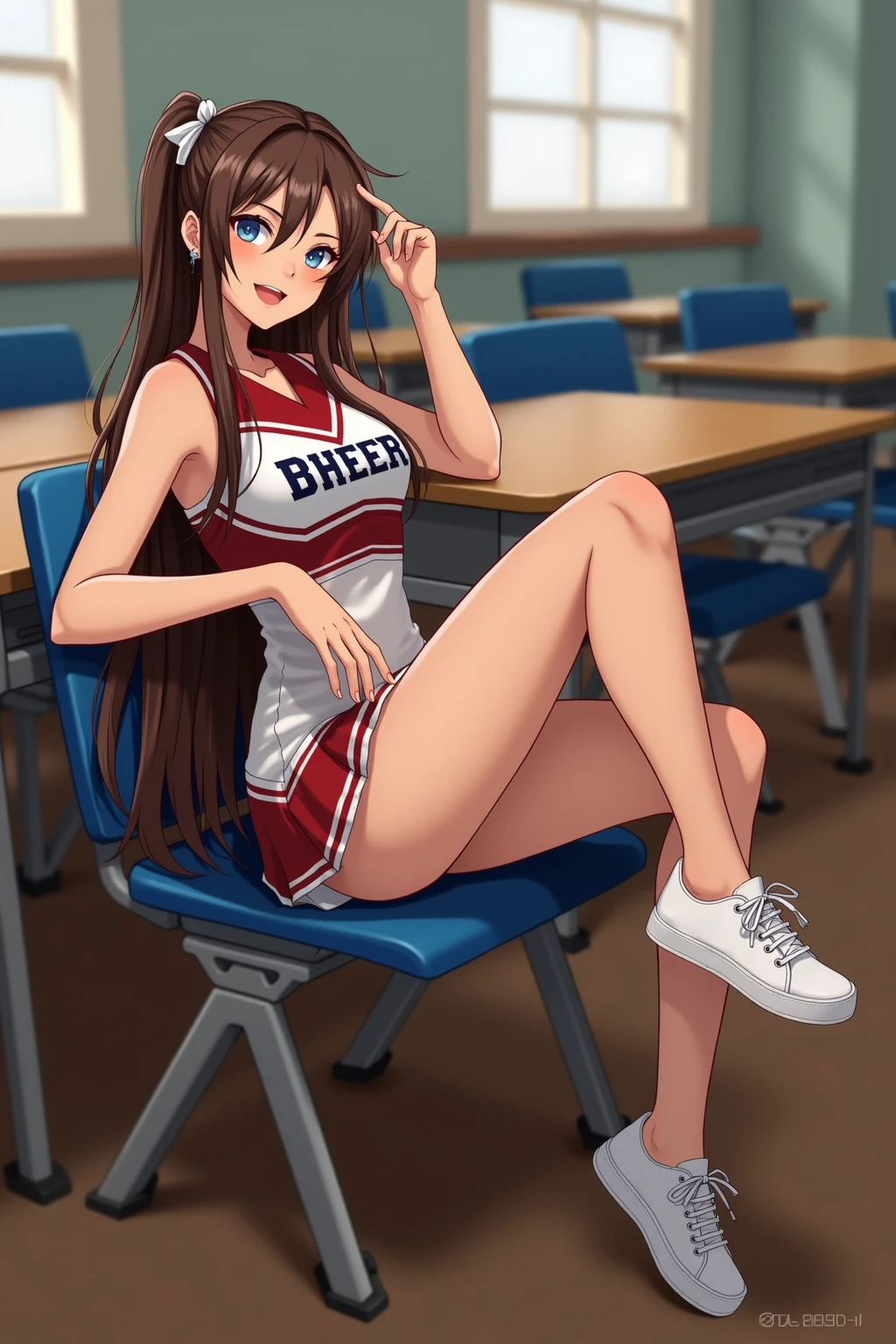
If your AI generations keep coming out with warped hands, plastic skin, duplicate faces, or that unmistakable "this looks AI" shine, your negative prompt is the lever you are not pulling hard enough. Most people either leave the negative prompt box completely empty or dump the same generic "bad quality, ugly, deformed" copy-paste they found in a Reddit thread from 2023. Neither works anymore in 2026.
The negative prompt is the single fastest quality boost available in Stable Diffusion, Flux, and ComfyUI. It tells the model what to suppress, what to avoid, and what failure modes you already know about before you even hit generate. Used well, it turns the difference between "weird AI image" and "I cannot tell if this is real" into a one-line change.
This cheat sheet gives you the exact copy-paste negative prompt lists I actually use, broken down by subject type. Portraits, anime, photorealism, landscapes, product shots. Each one has been refined over thousands of generations. You can paste any of these directly into the negative prompt box and see immediate improvement.
How Negative Prompts Actually Work
Before the cheat sheets, a quick mental model that will make everything else click. A positive prompt tells the model "move toward this concept in the latent space." A negative prompt tells it "move away from this concept." The model runs both simultaneously, subtracting the direction of your negative terms from the direction of your positive terms. The final image is the result of that subtraction.
That is why vague negatives like "ugly" barely do anything. The model has no clear concept of "ugly" to move away from because ugly could mean a thousand different things. "Extra fingers," on the other hand, points at a specific, well-defined failure mode the model knows intimately from its training data, and moving away from it produces a visible effect.
Specificity beats volume. Ten sharp, targeted negative terms outperform fifty vague ones every time.
The Universal Foundation (Works Everywhere)
Start with this base layer on nearly every generation, then add subject-specific terms on top. These target the most common model failures that show up across every style and subject.
This foundation handles the structural failure modes: hands, limbs, anatomy, and common artifacts like watermarks or cropping. It is safe to use with any subject, any style, any model. If you only remember one negative prompt, remember this one.
Cheat Sheet 1: Realistic Portraits
Portraits are the hardest subject for AI because humans are pattern-matching experts when it comes to faces. Every small flaw registers consciously or unconsciously. The negative prompt does most of the heavy lifting in making a portrait look believable rather than uncanny.
The key additions for portraits are the skin descriptors ("plastic," "waxy," "porcelain," "airbrushed"), which push the model away from the over-polished look that screams AI. "Anime, painting, illustration" prevents style bleed from training data that mixes photo and illustration concepts. "Asymmetric eyes" and "lazy eye" address the most common face-level failure.
Combine this with the universal foundation for a complete portrait negative prompt. The result is skin texture that looks like real skin with pores and micro-imperfections rather than a mannequin.
Cheat Sheet 2: Anime and Illustration
Anime-style generation has its own distinct failure modes. The model tends to add too many details, over-rendered shading, or accidentally slip into semi-realistic territory when you want clean cel-shaded output. The negative prompt for anime is doing nearly the opposite job of the one for realism.
The "realistic, photorealistic, 3D" line is critical for anime. Without it, modern models trained on mixed datasets will often blend photo realism into your cel-shaded character and ruin the clean aesthetic. "Western comic, american cartoon" keeps the style anchored in the Japanese anime tradition rather than drifting toward Disney or Western comic house styles.
Cheat Sheet 3: Photoreal Scenes and Landscapes
Landscapes and wide environmental shots have a different profile of common failures. Bad perspective, floating elements, impossible architecture, and over-saturated skies are the recurring enemies.
"HDR halo" is a term that specifically targets the glowing outline effect that AI often adds around high-contrast edges, which is one of the biggest giveaways on landscape photos. "Impossible architecture" helps when the model tries to generate buildings with non-Euclidean geometry that looks normal at first glance but collapses under inspection.
Cheat Sheet 4: Product Photography
Generating product shots for ecommerce, Etsy, or Amazon listings has become a huge AI use case. But product photography has zero tolerance for the kind of artifacts you can get away with in personal art. Text on packaging needs to be crisp. Reflections need to be physically plausible. Proportions need to match real-world expectations.
The text-related negatives are specifically important because modern models still struggle with legible text on packaging. If your product has a label, you need to hammer the model with negative terms around warped and garbled text. Even with all this, plan to edit text in post-production if it matters.
Cheat Sheet 5: Fashion and Swimwear
Fashion shots have failure modes around fabric drape, clothing realism, and body proportions that are worth addressing explicitly. Anyone generating lifestyle content for a clothing brand or a personal portfolio should paste this in on day one.
Prompt Weighting on Negatives
Stable Diffusion, ComfyUI, and Flux all support weighted negatives, which lets you crank up the strength of specific exclusions without bloating your negative prompt with redundancy. The syntax is parentheses plus a number:
The practical weight range is 0.5 to 1.6. Below 0.5 effectively removes the term. Above 1.6 starts producing weird overcompensation artifacts where the model twists the image to aggressively avoid the concept. The sweet spot for "really do not want this" is 1.3 to 1.5.
Midjourney does not use weighted negatives the same way. It uses the --no flag for exclusions: --no plastic skin, watermark, text. There is no weighting syntax, but the --no terms are treated with high priority by default. Flux CLI supports the Stable Diffusion weighting syntax directly.
Tool-Specific Differences
The three major ecosystems handle negative prompts in noticeably different ways. Here is a quick reference so you know which syntax to use where:
| Tool | Negative Prompt Method | Weighting |
|---|---|---|
| Stable Diffusion (A1111, Forge) | Dedicated negative prompt box | (term:weight) syntax |
| ComfyUI | Negative CLIP conditioning node | (term:weight) syntax |
| Flux.1 (local) | Negative prompt parameter | (term:weight) syntax |
| Midjourney v7 and v8 | --no flag at end of prompt | No weighting (priority implicit) |
| ChatGPT image generation | Natural language "avoid X, Y, Z" | No weighting |
| DALL-E 3 | No dedicated negative support | Not supported |
This matters because if you try to paste a weighted Stable Diffusion negative into Midjourney, it will literally read the parentheses as part of the prompt and confuse the model. Always match syntax to tool.
Common Mistakes That Tank Your Output
Even people who use negative prompts regularly tend to repeat a handful of mistakes that actively hurt their generations. These are the ones I see most in shared prompts online:
- Stuffing the negative box with 50+ terms. Past about 20 focused terms, you start flattening the image. The model spends so much energy avoiding things that it produces cautious, lifeless output. Keep it tight.
- Contradicting your positive prompt. If your positive prompt says "anime style" and your negative says "anime," the model gets a conflicting signal and produces mush. Check for overlap before you hit generate.
- Copy-pasting without thinking. A realistic portrait negative prompt will destroy an anime generation. Match the cheat sheet to what you are actually making.
- Forgetting the universal foundation. Subject-specific negatives replace the base, they do not stand alone. Always stack the universal foundation underneath.
- Weighting everything at 1.5. If every term is high-weighted, nothing is high-weighted relative to the others. Pick two or three critical exclusions to weight up, leave the rest at default.
The Master Combined Cheat Sheet
For quick reference, here is the combined negative prompt I personally start every realistic portrait generation with. You can copy this directly and modify from there.
Save this somewhere. It is the single most useful negative prompt you will ever have for realistic human subjects, and it handles roughly 85% of the common failure modes out of the box.
When to Skip Negative Prompts Entirely
One last note that runs counter to everything above. Flux.1 Dev, Midjourney v8, and the latest ChatGPT image model have gotten dramatically better at handling failure modes internally. For these models, a heavy negative prompt can actually hurt quality by over-constraining the generation.
With Flux Dev, I usually run with just the universal foundation or skip negatives entirely. With Midjourney v8, the default output is clean enough that you only need --no watermark, text as a safety net. The older Stable Diffusion 1.5 and SDXL workflows still need heavy negative prompting because their base quality is lower.
The general rule: the more modern and higher-quality your base model, the lighter your negative prompt can be. Test with just the universal foundation first and only add subject-specific negatives if you see the corresponding failure modes showing up.
Bookmark This Page
Every generation you do is a chance to refine your negative prompt. Start with the cheat sheet that matches your subject, combine it with the universal foundation, and tune from there based on what failure modes actually show up in your output. Over time you will build a personal negative prompt library that fits your aesthetic and the models you use most.
Negative prompts are the single highest-leverage quality lever in AI image generation. Most people never touch them. Now you know exactly what to put in that box.